
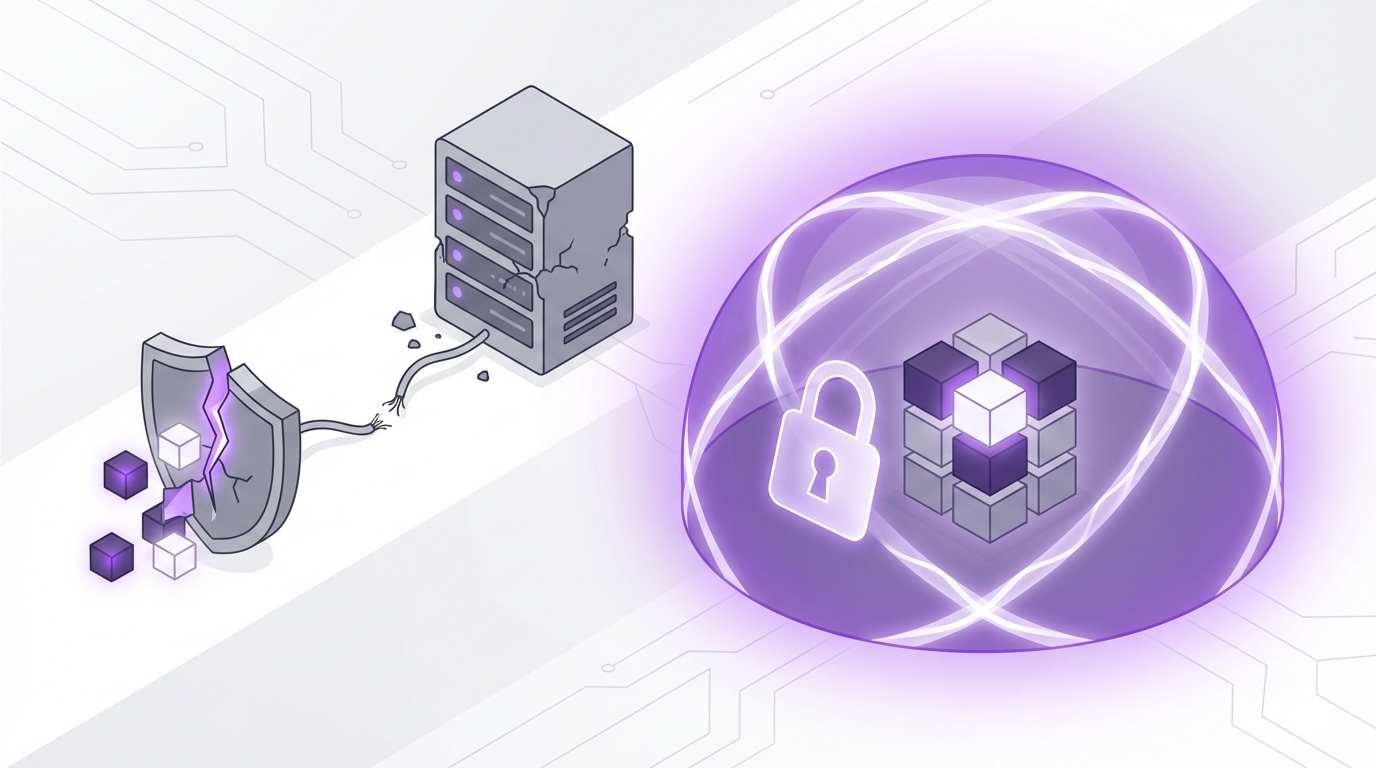
“Startups do not go bankrupt from growth. They go bankrupt from a single data loss event that nobody priced into the business model.”
Investors assume you will outgrow your first hosting plan. They do not assume you will recover from losing 3 years of product data, customer records, and analytics because someone thought “the host takes backups” was a strategy. The market rewards teams that treat backup as a revenue protection function, not an IT checkbox. The number that matters is simple: how many hours of data can you afford to lose before your valuation takes a permanent hit?
The conversation around backups inside most SaaS and tech-enabled businesses still sounds like a cost debate, not a revenue debate. The CTO says “our provider keeps daily snapshots.” The COO says “fine, then let’s not spend more on it this quarter.” The problem is that nobody ties that decision to churn risk, support load, refund exposure, or compliance fines. When you build a backup strategy on the promise of the host alone, you are pricing in a hidden risk that compounds as revenue grows.
Hosts sell convenience. Founders need resilience. Those are different products and different incentives. Your hosting provider wants to keep their platform available. You need your business data to be recoverable in shapes and timeframes that protect MRR, enterprise contracts, and your next round of funding. The host’s default backup is built to solve platform incidents at scale. Your backup strategy has to solve your specific revenue scenarios: account deletions, bad deployments, insider threats, and compliance audits where “we think we have yesterday’s snapshot” is not an answer.
“Backups are not for servers. Backups are for business models. The RPO and RTO you choose is a direct bet on how much revenue you are willing to risk.”
The trend is clear in investor conversations, even if the language is still messy. When growth funds audit technical risk, they do not ask “does your host take backups.” They ask “what is your recovery point objective and recovery time objective for your core revenue data.” Behind that language is a simple test: do you treat outages and data loss like marketing treats CAC and LTV? Measured, owned, and tied to real business outcomes.
Why your host’s backup exists in the first place
Hosting backups came out of a simple need: providers had to protect themselves from hardware failures and human mistakes at scale. A provider runs thousands of nodes. Disks fail. Hypervisors crash. A few operators make mistakes. Without some sort of snapshot and replication, support costs would spiral and churn would spike.
So hosts built standard backup features:
– Daily or weekly snapshots of the whole server or VM
– Sometimes a 7-30 day retention window
– Often stored in the same region or same physical site
– Restorable by support staff or via a control panel
This model works quite well for what providers care about: keeping your instance recoverable to “some recent state” when something breaks on their side. The business value to them is reduced support cost and lower churn from platform incidents.
Your business value profile is different:
– You care about a customer’s account deleted by mistake yesterday at 3:15 pm.
– You care about rolling back only the orders table from 6 hours ago, not the whole server.
– You care about a developer pushing a migration that corrupts only one part of the schema.
– You care about the regulator asking for proof that records cannot be lost silently.
Your host’s backup feature was never designed to satisfy those cases with precision.
“Host backups protect providers from infrastructure failure. Business backups protect you from product, process, and people failure.”
The hidden assumptions baked into host backups
Most teams never read the small print on backup features. They read a marketing bullet: “Automatic daily backups included.” That single line hides several assumptions that matter a lot once you attach revenue to the system.
Assumption 1: Snapshot frequency matches your revenue risk
A common default is one snapshot per day, kept for 7 days. For a project with no real users, that is fine. For a subscription product doing 1,000 transactions per hour, that means you are one bad deployment away from losing a full business day of:
– Signups
– Payments
– Usage activity
– Support-conversation context
– Product analytics
The right question is not “does our host backup daily.” The right question is “what amount of lost data moves our churn and refund numbers in a measurable way.” That is your practical recovery point objective (RPO).
If you process 10,000 orders per day with an average margin of 20 dollars per order, one day of data loss is 200,000 dollars in gross margin exposure. Even if you recover some portion using logs and third-party data, you still burn support time, refund revenue, and trust.
Assumption 2: Recovery speed matches customer expectations
Hosts do not promise instant restores. Many require a ticket to support. Some throttle restores on shared infrastructure. In a real incident, you are competing for attention with every other customer that had a problem.
Recovery time objective (RTO) is not a technical metric. It is a customer patience metric. If your enterprise client has a clause that says “SLA breach penalty after 2 hours of outage,” a 6-hour restore window means the backup is a source of liability, not safety.
Assumption 3: Whole-server snapshots are good enough
Host backups are usually taken at the VM or volume level. They capture “everything as it was” on disk.
That sounds comforting until you need nuance:
– You cannot restore only one database table.
– You cannot undelete a single user’s files without rolling back everyone.
– You cannot revert only the app code without touching the data, or vice versa.
For revenue protection, granularity matters. The more blended your systems are in a single snapshot, the more collateral damage you cause when you restore.
Assumption 4: The same-cloud backup is safe from platform-wide incidents
Most provider backups live in the same cloud, same region, or even same data center. They are protected from a disk failure. They are not always protected from:
– Region-wide outages
– Control panel compromises
– Provider-level security breaches
– Provider account suspensions or billing disputes
From a business lens, that means your “backup” is subject to the exact same platform risk as your primary system. You are paying for redundancy, not independence.
The business math behind backup strategy
Backup feels like an infrastructure topic. Investors treat it like insurance pricing. You are trading ongoing cost today for reduced downside tomorrow. To make that trade rational, you need a few base numbers.
The four variables that matter
1. How much revenue flows through the system per hour or per day.
2. How long customers will wait before they churn or trigger SLA penalties.
3. How much internal time a data recovery incident consumes.
4. How regulators or partners treat data loss in your sector.
From these, you can approximate:
– RPO: “We can afford to lose X minutes/hours of new data.”
– RTO: “We can afford to be partially or fully down for X minutes/hours.”
These are not technical goals first. They are product and finance goals that engineers then implement.
If your average customer contract is 5,000 dollars per month, and you have 100 such customers, a single public data loss incident that causes 5 percent churn is a 25,000 dollars MRR hit. At a 5x revenue multiple, that is 1.5 million dollars in paper valuation.
Against that, spending a few thousand per month on storage, backup services, and process looks like a low-cost hedge.
Where host backups fail real-world scenarios
Instead of theory, look at patterns that appear in real post-mortems.
Scenario 1: The bad deployment on Friday night
A small team pushes a schema change and code deploy at 7 pm. The migration script contains a bug. It corrupts a subset of records gradually over 3 hours before someone notices.
Your host runs a daily backup at 2 am. That backup will faithfully capture the corrupted state, replacing yesterday’s healthy snapshot. If your retention is 7 days and this goes unnoticed for a week, all host snapshots now contain some version of the poisoned data.
You do not need “a backup.” You need either:
– Point-in-time database recovery, or
– Continuous logical backups with the ability to restore to 6:59 pm before the deploy.
Host-level snapshots rarely give you that level of control.
Scenario 2: The developer who deletes the wrong production data
A senior engineer runs a script intended for a staging environment against production. A segment of user accounts is deleted. The app keeps running. No server crash. No alarm from the host.
If you restore last night’s full snapshot, every new user, order, or payment from this morning disappears. For some businesses, that is not acceptable.
A proper backup strategy here would likely involve:
– Frequent logical dumps of core database tables.
– A write-ahead log or binary log strategy that allows partial restoration.
– Optional soft delete patterns in application code for certain objects.
In other words, an application-aware, data-structure-aware plan. Not just a block storage snapshot.
Scenario 3: The compromised provider account
An attacker gains access to your hosting control panel through a phishing email. They delete servers and volumes. They might even delete or overwrite backups.
If your entire backup story lives inside the same provider, under the same control plane, you now share their breach.
Independent backups across providers or storage classes exist to break that chain of custody. Hosts do not design their free-tier backup features with this threat model as the priority.
Scenario 4: The post-merger due diligence
Your company is about to be acquired. The buyer’s security team asks:
– “Show us your backup policy.”
– “Demonstrate restoration of a single customer’s account from 3 months ago.”
– “Prove your retention and deletion timelines for personal data.”
A screenshot of the hosting panel’s “daily backup” toggle is not sufficient. Buyers price risk. Weak evidence on backup and retention translates to a lower offer or tougher escrow terms.
Designing backup as a business function
To move from “the host has us covered” to a real strategy, treat backup like you would billing or analytics: a core function with owners, metrics, and budgets.
Step 1: Classify your data by business impact
Not all data is equal. Start with simple buckets:
– Revenue-critical: Orders, subscriptions, invoices, payment records.
– Operational-critical: User accounts, permissions, usage logs.
– Rebuildable: Caches, search indexes, analytics events from third parties.
– Compliance-sensitive: Personal data governed by GDPR, HIPAA, or similar rules.
Each bucket can have different RPO and RTO targets. Paying for second-by-second backups of a Redis cache rarely makes sense. Paying for frequent, redundant backups of a subscription billing database almost always does once revenue crosses a certain line.
Step 2: Set target RPO/RTO numbers with product and finance
Instead of engineers guessing acceptable risk, pull in product and finance:
– Ask: “If we lost 2 hours of new orders, what would we do with customers?”
– Ask: “At what outage length do refunds or SLA penalties start kicking in?”
Convert those into targets. Example:
– Revenue-critical data: RPO 15 minutes, RTO 1 hour.
– Operational-critical: RPO 1 hour, RTO 4 hours.
– Rebuildable: RPO 24 hours, RTO 24 hours.
– Compliance-sensitive: RPO 1 hour, RTO 24 hours, plus strict retention limits.
Then compare those targets with what your host actually delivers.
Step 3: Choose backup scopes and schedules
Think about layers rather than one magic solution.
Common layers:
1. Application-level backups
– Export user data or account snapshots on a schedule.
– Give customers their own export in some plans, which doubles as a backup test.
2. Database-level backups
– Automated logical dumps (e.g., pg_dump, mysqldump) stored in object storage.
– Point-in-time recovery using write-ahead logs or binary logs.
3. File storage backups
– Versioned object storage buckets.
– Incremental file backups if you use local or NFS storage.
4. Full server or container backups
– Host snapshots for rapid infra recovery.
– Immutable images of core services through your CI/CD pipeline.
Each layer matches a different failure story. This is where host snapshots can still play a part, but as one layer, not the sole answer.
Comparing host backups vs independent backups
To make the tradeoffs clear, map them in business terms.
Capability comparison
| Capability | Typical Host Backup | Independent Backup Strategy |
|---|---|---|
| Scope | Whole VM or volume | Per database, per service, per file store |
| Granularity | All or nothing restore | Single table, date range, or object level |
| Frequency | Daily or weekly | Minutes to hours, tuned for each data class |
| Retention | Short, fixed windows (7-30 days) | Custom windows, multi-tier archival |
| Location | Same provider, often same region | Cross-region, cross-provider, offline options |
| Control | Provider-driven schedules and formats | Team-defined policies, tested and versioned |
| Security | Tied to provider account permissions | Separate access controls, key management |
| Testability | Manual, support-ticket based | Automated restore tests, documented playbooks |
From an ROI angle, independent backups cost more in the short term: storage, engineering time, maybe a third-party tool. The return shows up in three places:
1. Lower probability and impact of catastrophic data loss.
2. Smoother incident handling, which protects churn and brand.
3. Better outcomes in funding, M&A, and enterprise sales due diligence.
Backup pricing models in business terms
Backup spending often feels fuzzy. Breaking it down into recognizable pricing models can help founders pick an approach that tracks with revenue stages.
Common pricing models
| Model | How it is billed | Best fit stage | Business tradeoff |
|---|---|---|---|
| Host add-on backups | Flat fee or % of server cost | Pre-revenue, early MVP | Cheap and simple, low control, higher risk |
| Storage-based backup services | Per GB stored, sometimes per request | Growing SaaS with steady data growth | Costs scale with usage, flexible design |
| Managed backup platforms | Per host, per DB, or per protected workload | Teams without strong infra talent | Higher price, lower operational burden |
| Self-built scripts + object storage | Storage + ops time | Technical teams comfortable owning infra | Lowest raw cost, high responsibility |
The question for each stage is not “what is cheapest.” It is “what combination keeps our risk at a level our investors and customers will tolerate.” That tolerance shrinks as contracts grow larger and compliance regimes tighten.
How backup strategy affects growth and funding
Backup does not show up directly on the P&L as revenue. It shows up in risk perception. Investors attach a risk premium to anything that can cause sudden revenue compression.
Impact on enterprise sales
Enterprise security questionnaires nearly always include:
– Backup frequency
– Retention policies
– Offsite backup usage
– Restore testing routines
Weak or vague answers extend sales cycles. Procurement teams use risk to push down pricing or insist on heavy indemnity terms. Strong answers compress the sales cycle and support higher pricing.
From a CAC lens, a few thousand dollars per year on serious backup can shave weeks off procurement in some sectors.
Impact on fundraising
Growth-focused investors look for fragility in recurring revenue streams. When a founder says “the host backs us up,” that signals:
– No clear mapping between incidents and revenue exposure.
– No senior owner for business continuity.
– Potential underinvestment in security and reliability.
On the other side, a founder who can say “our RPO for billing data is 15 minutes, we test restores monthly, and we maintain off-cloud copies in a separate provider” signals operational maturity. That maturity supports higher multiples, especially for products that sit in regulated or high-trust segments.
Impact on churn and brand
Customers forgive outages. They rarely forgive permanent data loss.
An outage with a clear post-mortem and no data loss becomes a reliability story that you can recover from. A loss of production data becomes a trust story that sticks in every customer conversation.
The cost of that story:
– Higher churn in the next 3-6 months.
– Lower NPS and weaker referrals.
– Harder upsells into higher tiers.
Backup is the cheapest lever you have to prevent that class of story.
Key design patterns that go beyond host backups
If you want something more than the host’s baseline, there are a few patterns that show up again and again among teams that handle growth well.
Pattern 1: 3-2-1 style redundancy
A simple mental model:
– Keep at least 3 copies of critical data.
– Store them on at least 2 different storage types.
– Put at least 1 copy in a different provider or offline.
This might look like:
– Primary database on managed cloud DB.
– Nightly dumps to provider object storage with versioning.
– Encrypted copies of those dumps sent to a second cloud provider.
Host snapshots might be a fourth copy, not the first.
Pattern 2: Immutable and versioned backups
Ransomware and internal mistakes share a risk: overwriting your backups with bad data.
To fight this, teams use:
– Object storage buckets with versioning enabled.
– Write-once-read-many (WORM) policies or retention locks for some backups.
– Separate credentials and MFA for backup management.
This pattern treats backups as data with higher security needs than the production system, not lower.
Pattern 3: Automated restore tests
A backup that has never been restored is a theory. The costliest incidents often involve “we had backups, but the restore script failed.”
Practical testing can be lightweight:
– Nightly job that restores yesterday’s backup into a staging DB.
– Script that checks row counts and critical tables.
– Alert if the restore or validation fails.
The business value is high: you move from “we think we are safe” to “we know our recovery works as of last night.”
Pattern 4: Customer-level recovery options
As your customer base matures, some will ask for:
– The ability to recover an account to a previous state.
– Exports of their own data for legal or internal backup needs.
Designing products to support customer-level snapshots or exports has two advantages:
1. It reduces support load during incidents, since some customers can self-serve.
2. It becomes a premium feature in higher plans, adding direct revenue linked to your backup investment.
Where to start if you only have host backups today
Most teams do not get to perfect backup overnight. The right move is to evolve from “host only” to “host plus independent” in controlled steps.
Phase 1: Visibility
– Document the current host backup schedule, retention, and restore process.
– Time an actual restore of a non-critical environment using the host tool.
– Map the resulting RPO and RTO against your revenue-critical systems.
This gives you a baseline and talking points with leadership.
Phase 2: Independent backups for the most critical database
Pick the one database that, if lost, would hurt you most. Often billing or core product data.
– Set up automated logical dumps to object storage.
– Encrypt them at rest.
– Keep at least one copy outside the main cloud provider.
Run a test restore into a staging environment. Measure time and difficulty.
Phase 3: Broaden scope and add testing
– Extend coverage to other critical stores: file uploads, config DBs.
– Implement basic restore tests on a schedule.
– Review access controls for backup storage.
By this point, host backups become a comfort layer, not a single point of failure.
The real role of your host’s backup
Hosts are part of your resilience story. Their backups are useful in several cases:
– Fast recovery from a botched system-level upgrade.
– Full node recovery after hardware failure.
– Quick recreation of an environment for testing or forensic work.
The business mistake is to treat that tool as a replacement for your own strategy.
Investors, acquirers, and large customers have seen too many teams rely on provider checkboxes. They now look for more than that: clear ownership, explicit RPO/RTO targets, independent storage, and proof of tested restores.
A helpful mental reframe is this:
– Host backups protect your infrastructure.
– Your backups protect your revenue.
Both matter. Only one of them is directly your responsibility in the eyes of the market.